
View Transitions API in 2026: From Single-Page Effects to Cross-Document Mastery
If you have spent the past few years building animated single-page applications, you know the pain. Every time a route changes, a modal opens, or a list updates, you are writing JavaScript to orchestrate old and new content, managing animation timing manually, and praying that nothing breaks when the user clicks twice. The View Transitions API, now stable across Chrome 111+, Safari 17+, and Firefox 124+, finally gives us a native way to handle this — without reaching for Framer Motion, GSAP, or a custom animation layer.
In 2026, with cross-document transitions gaining wider support and the API maturing through three major specification drafts, it is time to understand what this API can actually do in production, where it shines, and where it still trips you up.
The Same-Document Transition: Your New Default Pattern
The core pattern is deceptively simple. When a React component re-renders, a Vue store updates, or a vanilla DOM mutation occurs, wrapping the update in document.startViewTransition() triggers an automatic animation between the old and new state:
function navigateToProfile(userId) {
  document.startViewTransition(() => {
    router.push(`/users/${userId}`);
    renderUserProfile(userId);
  });
}

::view-transition-old(root) {
  animation: slide-out 300ms ease-out forwards;
}

::view-transition-new(root) {
  animation: slide-in 300ms ease-out forwards;
}

@keyframes slide-out {
  to { transform: translateX(-100%); opacity: 0; }
}

@keyframes slide-in {
  from { transform: translateX(100%); opacity: 0; }
}
The browser handles everything behind the scenes — capturing the old state as a snapshot, rendering the new DOM, compositing both layers simultaneously, and tearing down the overlay once the animation completes. You never touch the DOM directly during the transition. The old content is pinned in place while the new content renders fresh above it. This eliminates the flicker problem that has plagued SPAs since the early days of React.
The performance story is genuinely remarkable. Snapshots are taken on the compositor thread and animations run on the GPU, costing between 10-20ms on modern hardware compared to 150-400ms overhead from JavaScript animation libraries.
Element-Scoped Transitions: The Real Power Move
Where View Transitions truly separate themselves from every other animation library is element-scoped transitions. By assigning a view-transition-name to specific elements, you can animate individual components independently instead of treating the entire page as a single transition unit:
.product-card__image {
  view-transition-name: product-${productId};
}

.product-detail__hero-image {
  view-transition-name: product-${productId};
}

::view-transition-old(product-42),
::view-transition-new(product-42) {
  animation-duration: 500ms;
  animation-timing-function: cubic-bezier(0.4, 0, 0.2, 1);
}
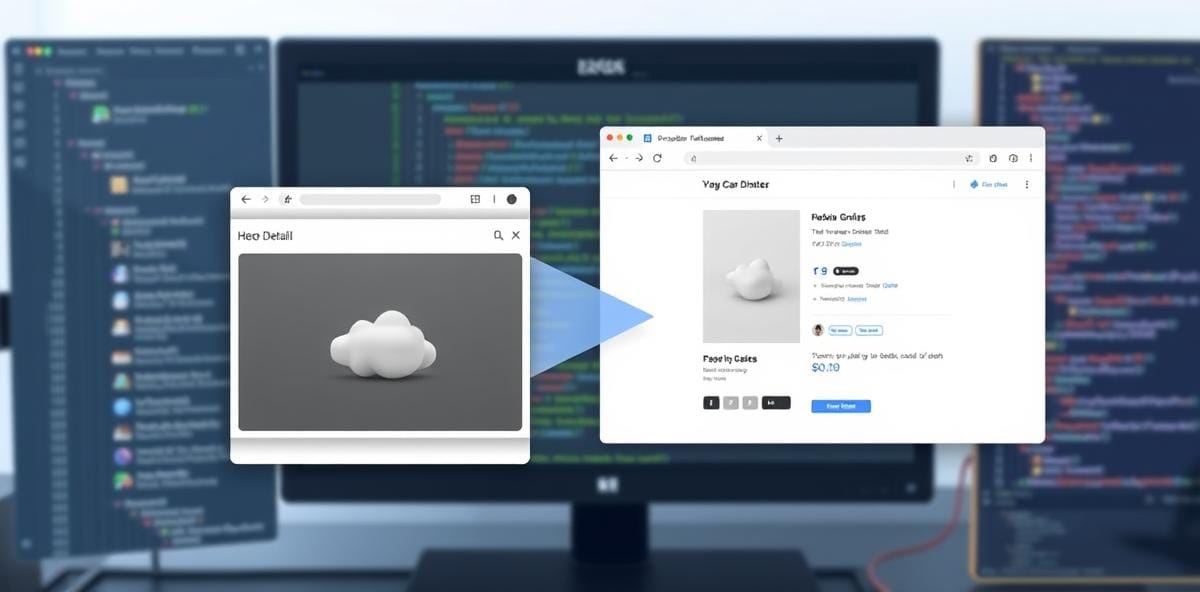
Click a product card thumbnail and just that image smoothly expands into the hero position on the detail page — no coordinate math, no framework, just three CSS properties and a matching name.
This pattern works especially well for modal dialogs, card-to-detail flows, and image galleries. You can compose multiple element transitions simultaneously — a product image zooms in while the background dims via a ::view-transition-old(root) overlay.
Cross-Document Transitions: Breaking the SPA Monopoly
The cross-document (or "cross-page") variant of View Transitions is arguably the most underrated feature in modern web development. Historically, smooth page transitions were an SPA luxury — multi-page applications with plain <a> tags simply navigated instantly between pages. Not anymore.
Cross-document transitions work by matching view-transition-name values across two separate HTML documents:
@view-transition {
  navigation: auto;
}

/* In the listing page */
.product-card__image {
  view-transition-name: product-${productId};
}

/* In the detail page — same name, same element */
.hero-image {
  view-transition-name: product-${productId};
}

::view-transition-old(product-42) {
  animation: zoom-out 350ms ease-out forwards;
}

::view-transition-new(product-42) {
  animation: zoom-in 350ms ease-out forwards;
}
When the user clicks the link, the browser captures a snapshot of the matching element, navigates to the detail page, then animates between the two. No framework, no client-side router, no hydration overhead.
This matters enormously for SEO-conscious applications. You keep content accessible to crawlers via server-rendered HTML while delivering app-like motion. Google has endorsed this approach as a way to improve Core Web Vitals scores — perceived loading time drops significantly with continuous motion instead of a blank white flash.
Practical Gotchas and Mitigation Strategies
No API is perfect, and View Transitions has its share of quirks that will catch you off guard in production:
- Accessibility. Both old and new content exist in the DOM simultaneously during transitions. Screen readers may announce duplicate content. Mitigate by setting
aria-live="polite"on transition containers and usingViewTransition.finishedto manage focus after animation completion. - Third-party script interference. Analytics scripts or chat widgets inserting content during the transition render cycle may appear in the old snapshot. Wrap external script loads in
Promise.all()before triggering transitions. - Large DOM performance. Capturing snapshots of pages with thousands of elements can spike memory. For list-heavy interfaces, limit transitions to viewport-visible items or fall back on low-RAM devices.
- CSS specificity conflicts. The pseudo-elements exist in their own stacking context with a fixed z-index. High z-index modals or sticky headers may need adjustment to avoid visual layering bugs.
- Fallback strategy. Always check for
document.startViewTransitionexistence before using the API. Wrap transitions in a try-catch and provide graceful degradation.
When to Use View Transitions (And When Not To)
Use it when: You are building route transitions, modal open/close animations, card-to-detail flows, list item insertions or removals, or any scenario where the user needs to visually track an element moving between states.
Don't use it when: You need fine-grained control over individual property animation (use GSAP or Framer Motion for that), you are building a game UI with frame-by-frame animation requirements, or your target audience still includes older browsers without support (pre-Chrome 110, pre-Safari 15.4).
The View Transitions API represents the web platform catching up to native app animation standards. It is not a replacement for every animation library — far from it — but it is the first tool you should reach for when building transitions between views, states, or documents. The performance gains are measurable, the code reduction is real, and accessibility improves dramatically when you let the browser handle the heavy lifting.


Comments